How it works
A guide to every feature
Step-by-step walkthroughs for managing your inventory, orders, production, payments, delivery, and more.
Inventory Management
Track every ingredient across every location
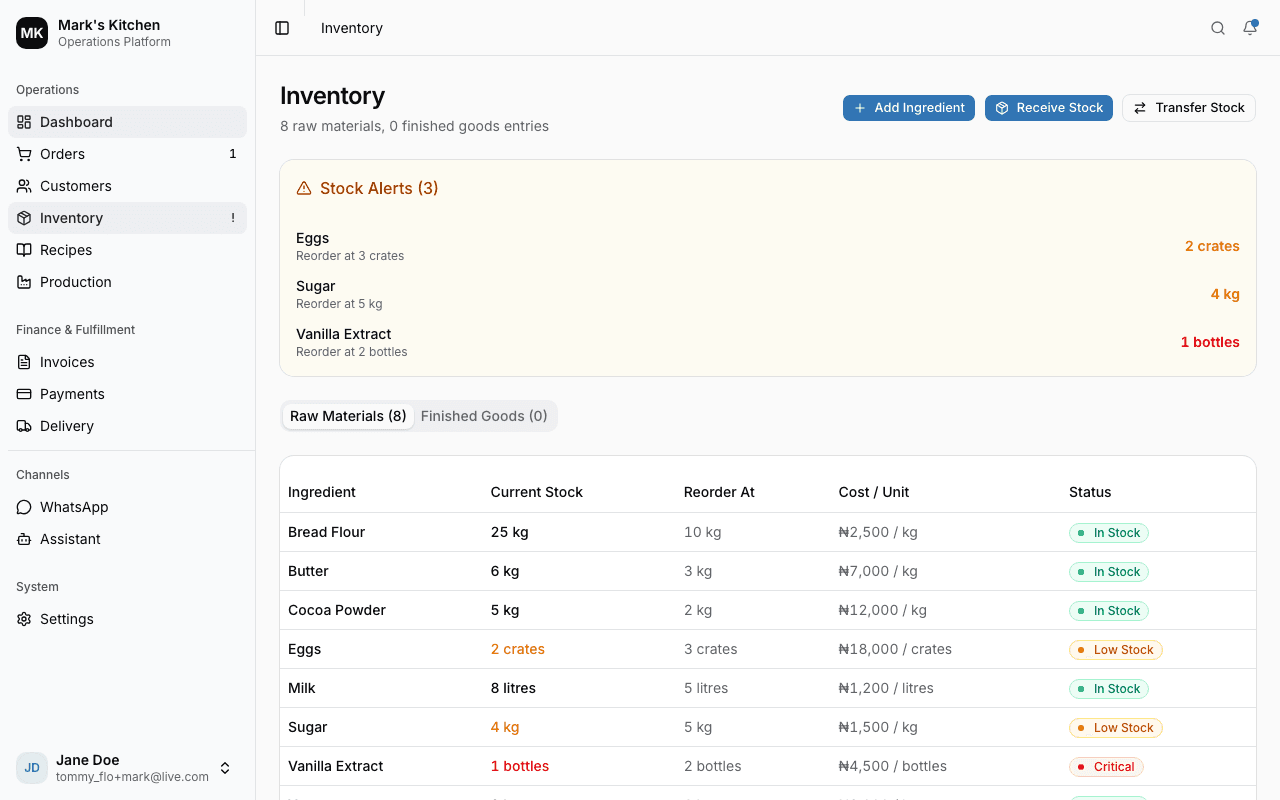
Add your raw materials with unit costs and reorder thresholds. When you receive stock, the system recalculates your Weighted Average Cost automatically. Set up multiple locations (stores, kitchens, warehouses) and transfer stock between them.
How to use
Go to Inventory and add your ingredients with unit, cost, and reorder threshold
Use 'Receive Stock' to log purchases — cost is recalculated automatically (WAC)
Set up locations in Settings and assign stock to each one
Check the dashboard for low stock alerts — they appear in the sidebar too
Recipes & Production
Know exactly what each product costs to make
Create recipes with ingredients and quantities. The system calculates your cost per unit from live ingredient prices plus optional labor cost. Plan production batches, record actual output and damaged units, and track waste rates.
How to use
Go to Recipes and create a new recipe — select a product, add ingredients with quantities
Set the yield (how many units per batch) and optional labor cost per unit
Go to Production to plan a batch — select product, location, quantity, and date
When the batch is done, record actual output and any damaged units
Orders & Customers
From order to delivery in a few clicks
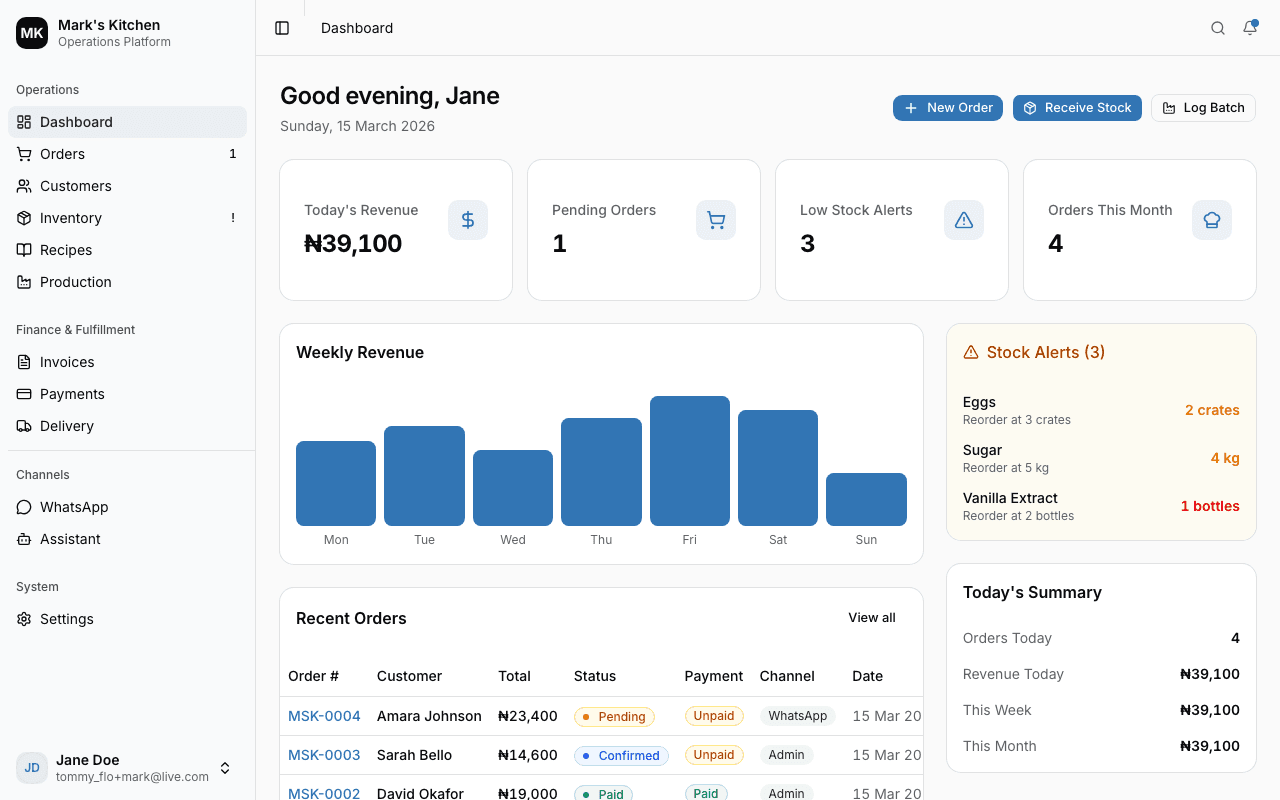
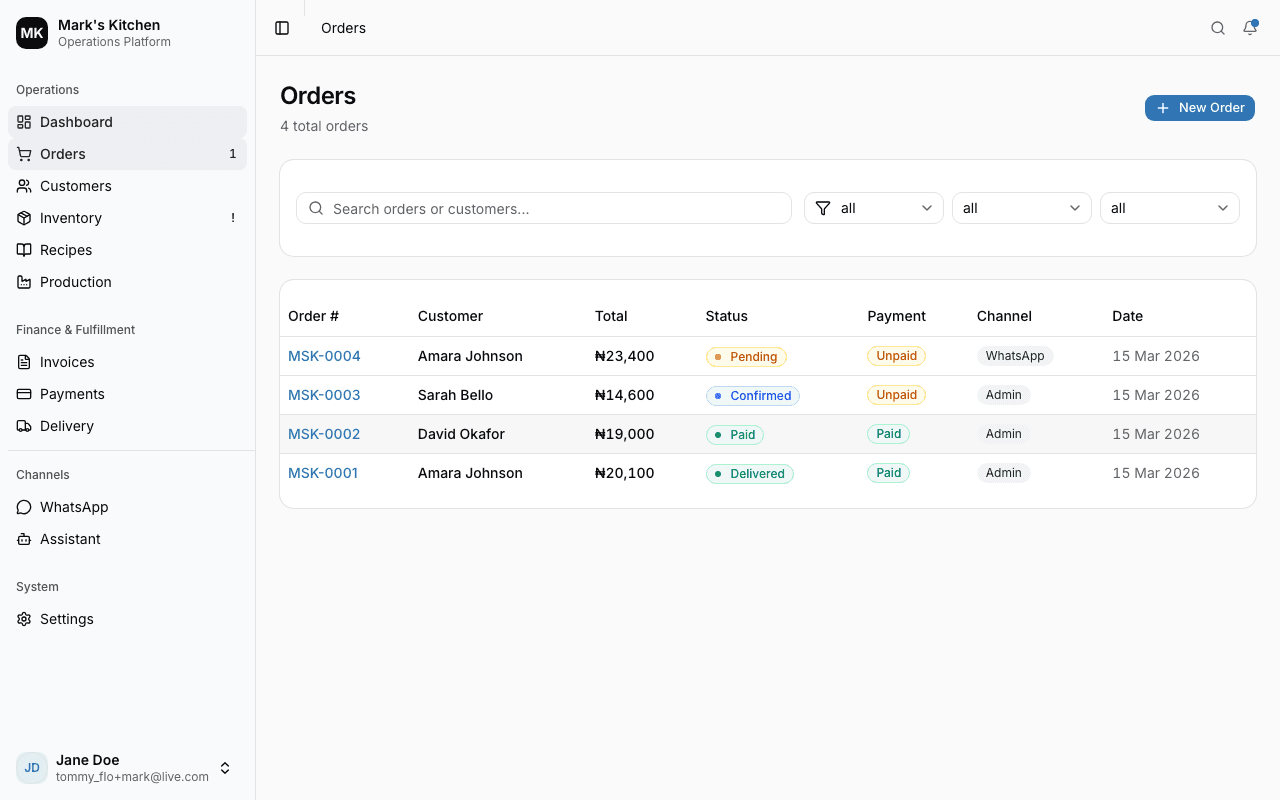
Create orders for customers from any channel — WhatsApp, website, Instagram, or walk-in. The order flows through a clear lifecycle: pending, confirmed, paid, fulfilled, delivered. Customer profiles track order history and total spending.
How to use
Add customers with name, phone (international format), email, and address
Create an order — search for a customer, add products, set pickup or delivery
Use the order detail page to confirm, mark paid, send invoice, or assign delivery
For pickup orders: mark as 'Ready for Pickup' then 'Collected' when done
Invoices & Payments
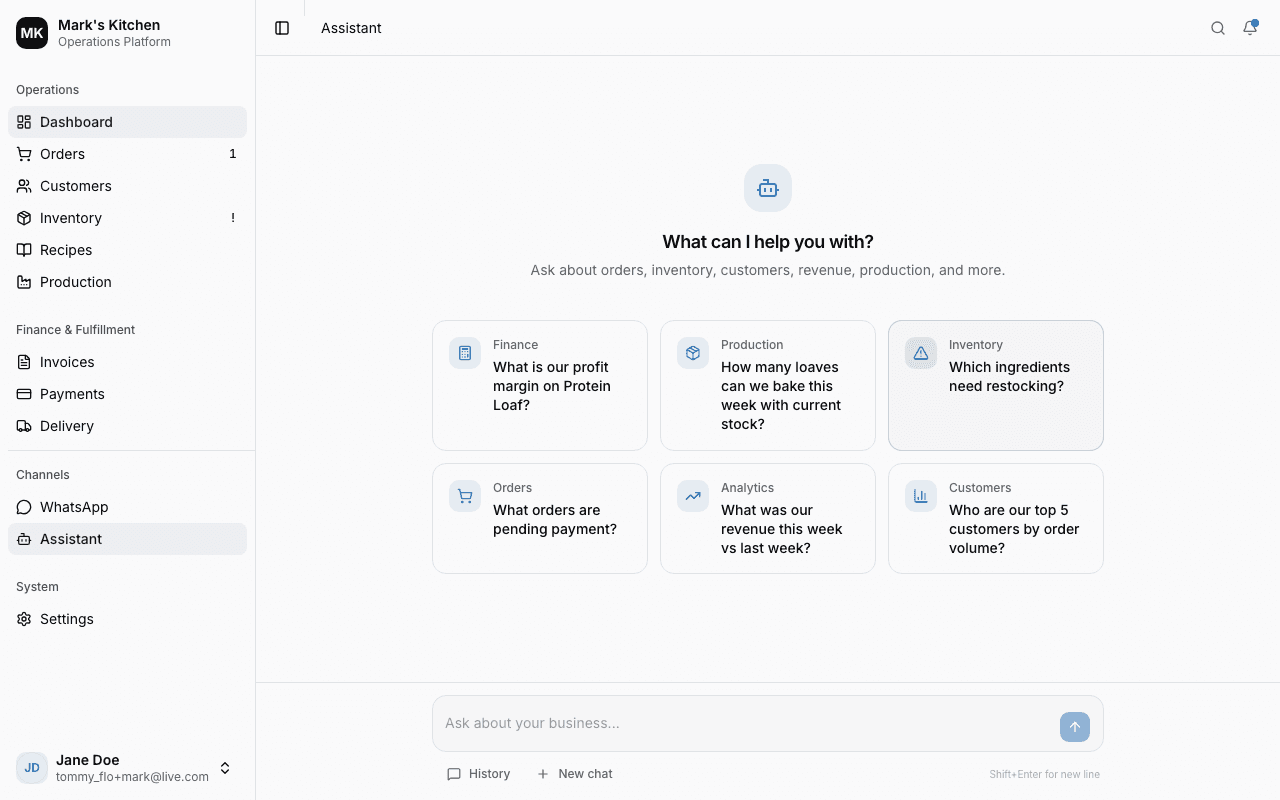
Get paid faster with payment links or bank transfer instructions
Send invoices directly from any order. Choose to attach a payment link (if you've connected a payment provider) or include manual bank transfer instructions. Customers receive a branded email with a public invoice page where they can pay.
How to use
On an order detail page, click 'Send Invoice'
Choose payment method: Payment Link, Manual Instructions, or Invoice Only
The customer gets an email with your branded invoice and a 'Pay Now' button
Payments are confirmed automatically (via webhooks + polling) — the order updates instantly
Delivery Management
Assign riders and track every delivery
When an order needs delivery, assign a rider with their name, phone number, and expected delivery date. Track the delivery through pending, in transit, and delivered. Call the rider directly from the dashboard. Delivery status syncs with the order automatically.
How to use
On an order with a delivery address, click 'Assign Delivery'
Enter the rider's name, phone number, and delivery date
Go to the Delivery page to see all deliveries and update their status
Mark as 'In Transit' when the rider picks up, then 'Delivered' when confirmed
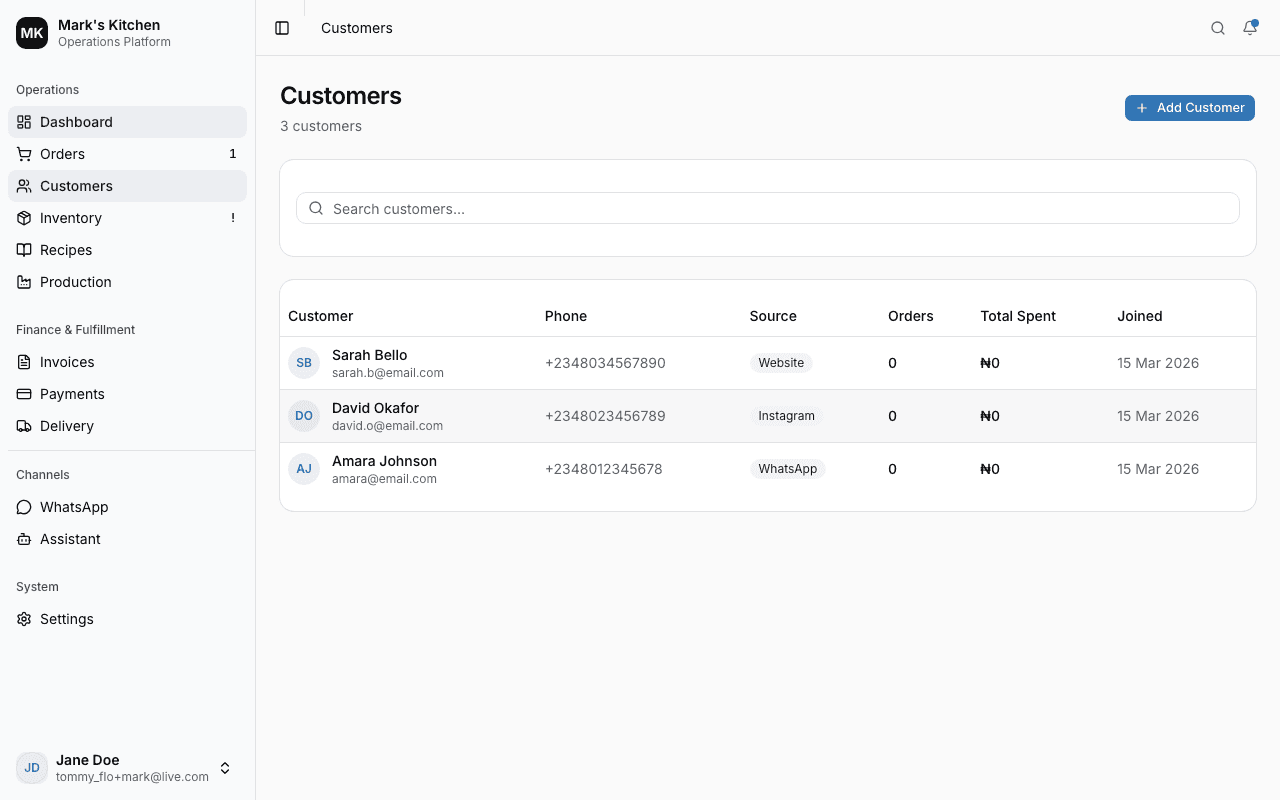
AI Business Assistant
Ask your business data anything, in plain language
The AI assistant understands your orders, inventory, customers, recipes, production, and revenue. Ask questions like 'How many loaves can we bake with current stock?' or 'Which customers ordered the most this week?' and get instant answers with real data.
How to use
Go to the Assistant page and type a question about your business
The AI calls your real data tools — it never guesses, it looks up the actual numbers
Responses stream in real-time with formatted tables, bold numbers, and stat cards
Your conversation history is saved — come back and continue where you left off
Website Chat Widget
Let customers order directly from your website
Embed a chat widget on your website with a single script tag. Customers can browse your products, place orders, and receive invoices — all through a conversational AI. You get email notifications for every order. Rate limits protect against abuse.
How to use
Go to Settings > Chat Widget to configure welcome message and brand color
Copy the embed code and add it to your website before the closing </body> tag
Customers chat with the AI, which shows your products and takes orders automatically
You receive an email for each order, and it appears in your Orders dashboard
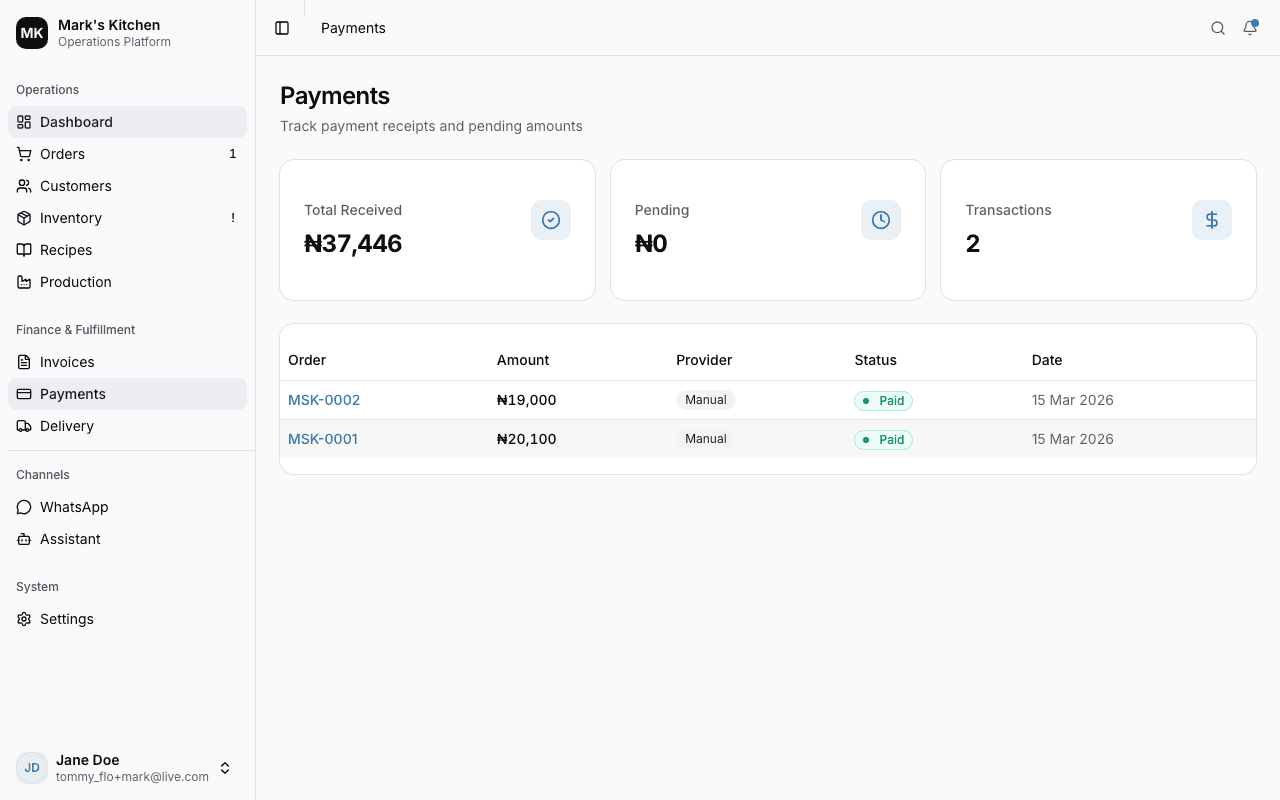
Team & Permissions
Control who can see and do what
Invite team members by email and assign roles: Owner (full access), Manager (operations), Staff (day-to-day tasks), or Viewer (read-only). Each role has specific permissions, and you can override individual permissions per user for fine-grained control.
How to use
Go to Settings > Team & Staff to see your current team
Click 'Invite Member' — enter their email and select a role
They receive an invitation email with a link to create their account
Use Settings > Roles & Permissions to view or customize permission overrides
Developer API
Build integrations with your business data
Generate API keys to access your product catalog, create orders, and manage customers from external applications. Public keys are safe for browser use (limited scopes), while secret keys have full API access. All endpoints are rate-limited.
How to use
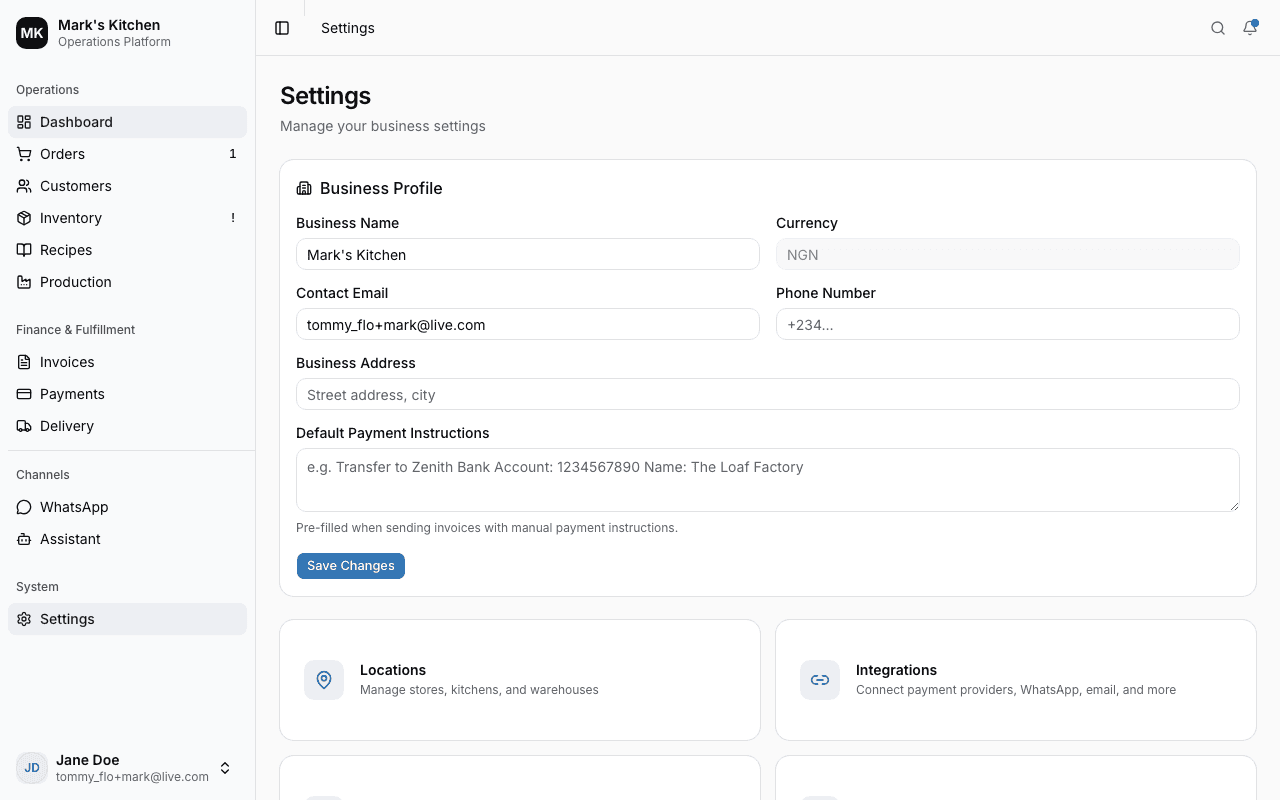
Go to Settings > Developers to generate an API key
Choose Public (for websites) or Secret (for servers)
Use the key in the X-API-Key header with any /v1/ endpoint
Read the full API documentation at /developers for endpoint details and examples
Developer API
Ready to get started?
Create your account and start managing your business in minutes.